KPIMicrosoft Excel Desktop (Windows)Version 1.0.1English

Manufacturing KPI Library & Selection Toolkit

Consistent KPI definitions with formula, owner, frequency, data source and aggregation rule. A reference and selection tool for manufacturing KPIs.

€19.90

Buy now

Not tested on Mac, Excel for the web or Google Sheets.

You choose the workbook language on the download page after payment.

What it does

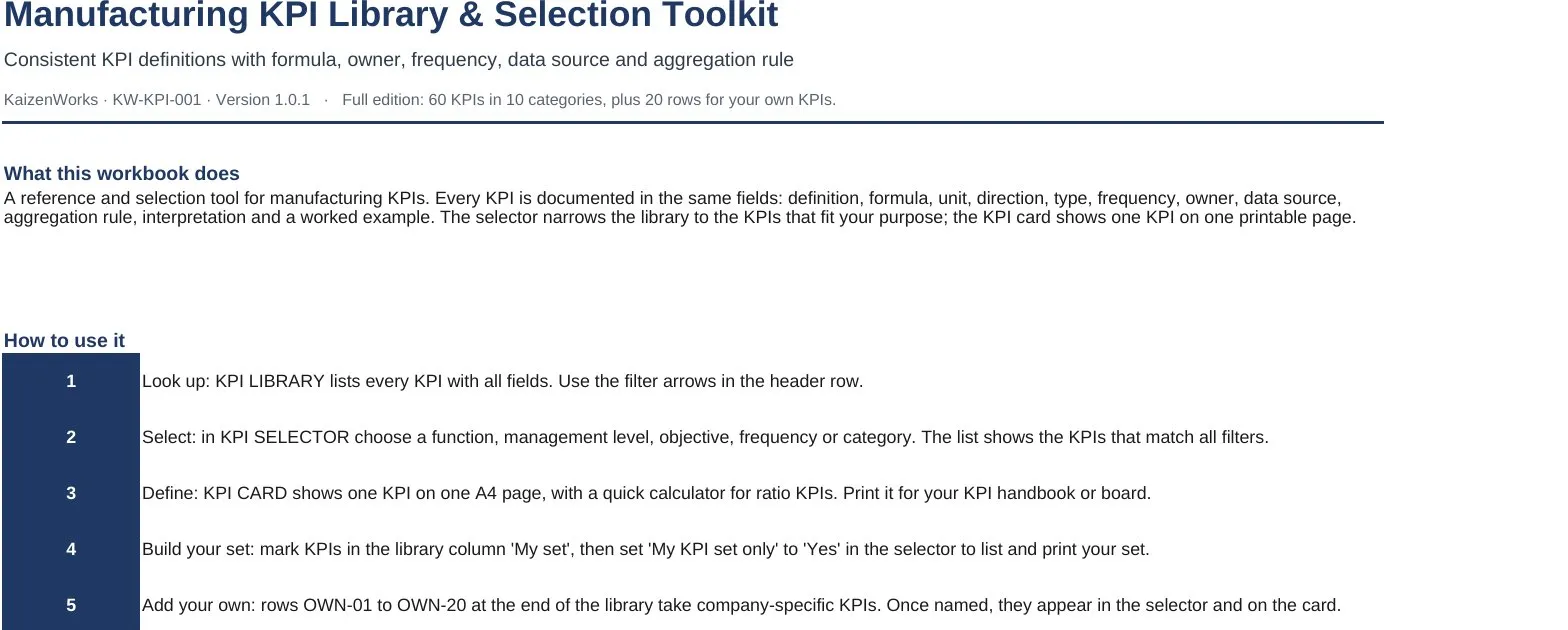
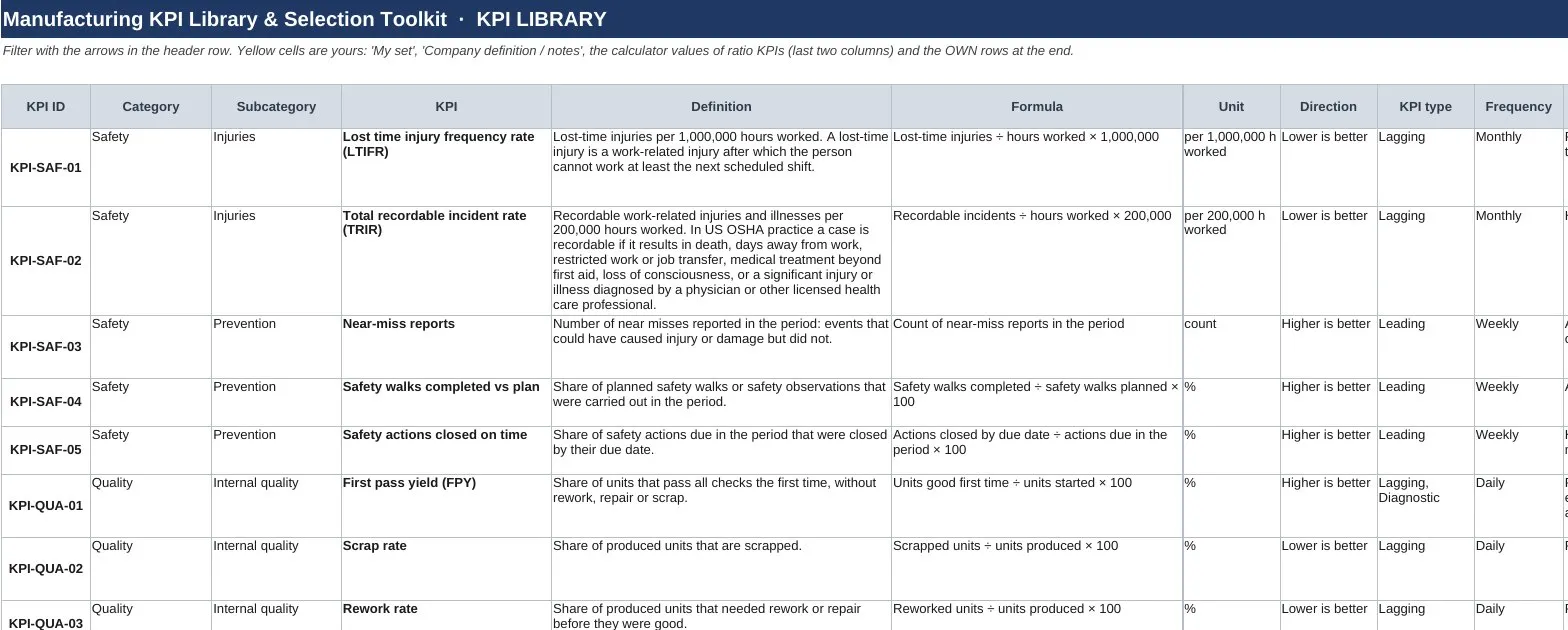
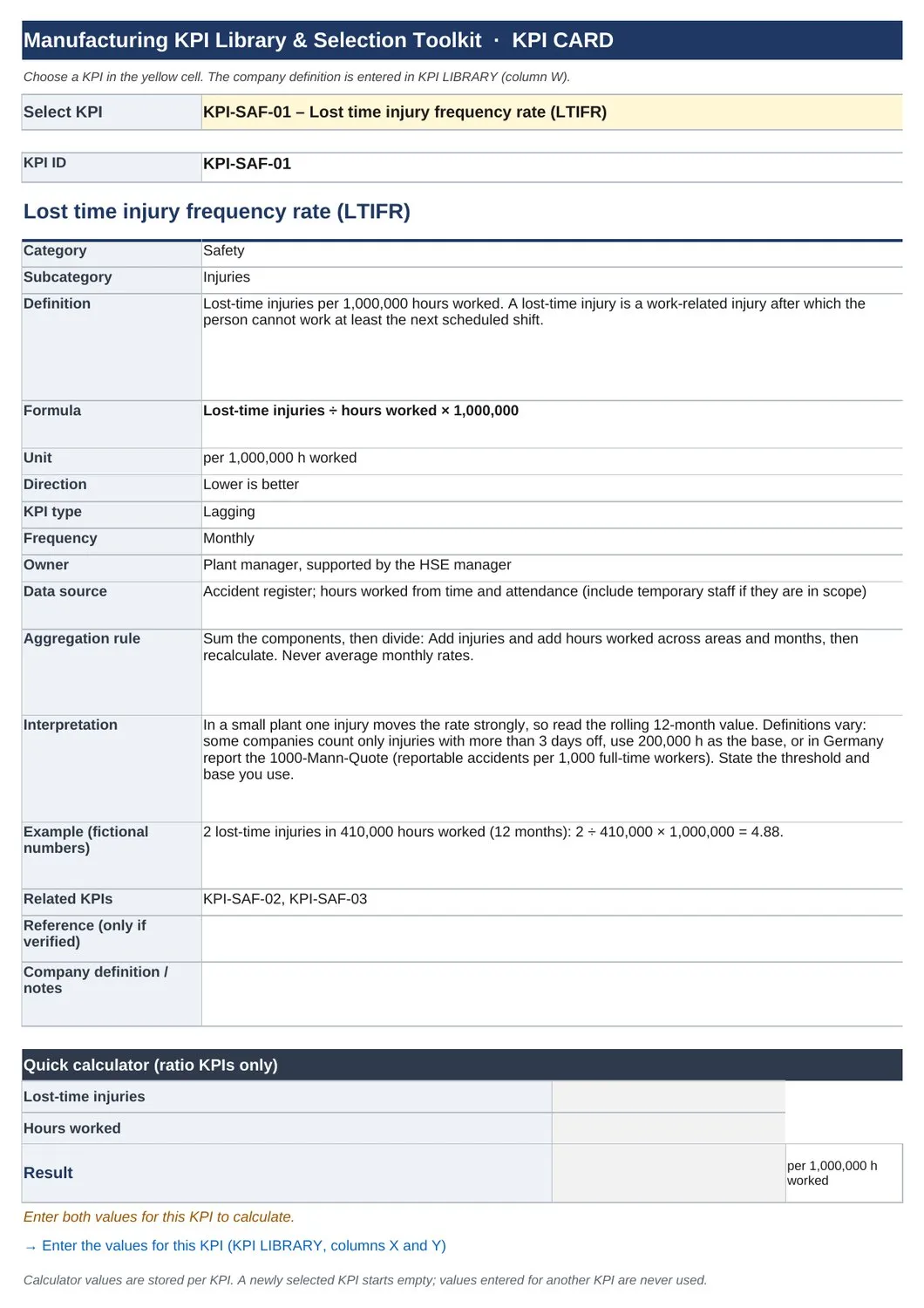
A reference and selection tool for manufacturing KPIs. Every KPI is documented in the same fields: definition, formula, unit, direction, type, frequency, owner, data source, aggregation rule, interpretation and a worked example. The selector narrows the library to the KPIs that fit your purpose; the KPI card shows one KPI on one printable page.

Key features

  • Sheets: START, KPI LIBRARY, KPI SELECTOR, KPI CARD

What's included

1 Excel workbook (KW-KPI-001-EN-GEN-KIT_Manufacturing-KPI-Library-Selection-Toolkit_v1.0.1.xlsx, English) and 3 text files (LICENSE_EN.txt, CHANGELOG_EN.txt, SUPPORT_EN.txt) in one folder.

  • KW-KPI-001-EN-GEN-KIT_Manufacturing-KPI-Library-Selection-Toolkit_v1.0.1.xlsx
  • LICENSE_EN.txt
  • CHANGELOG_EN.txt
  • SUPPORT_EN.txt

How it works

  1. Look up: KPI LIBRARY lists every KPI with all fields. Use the filter arrows in the header row.
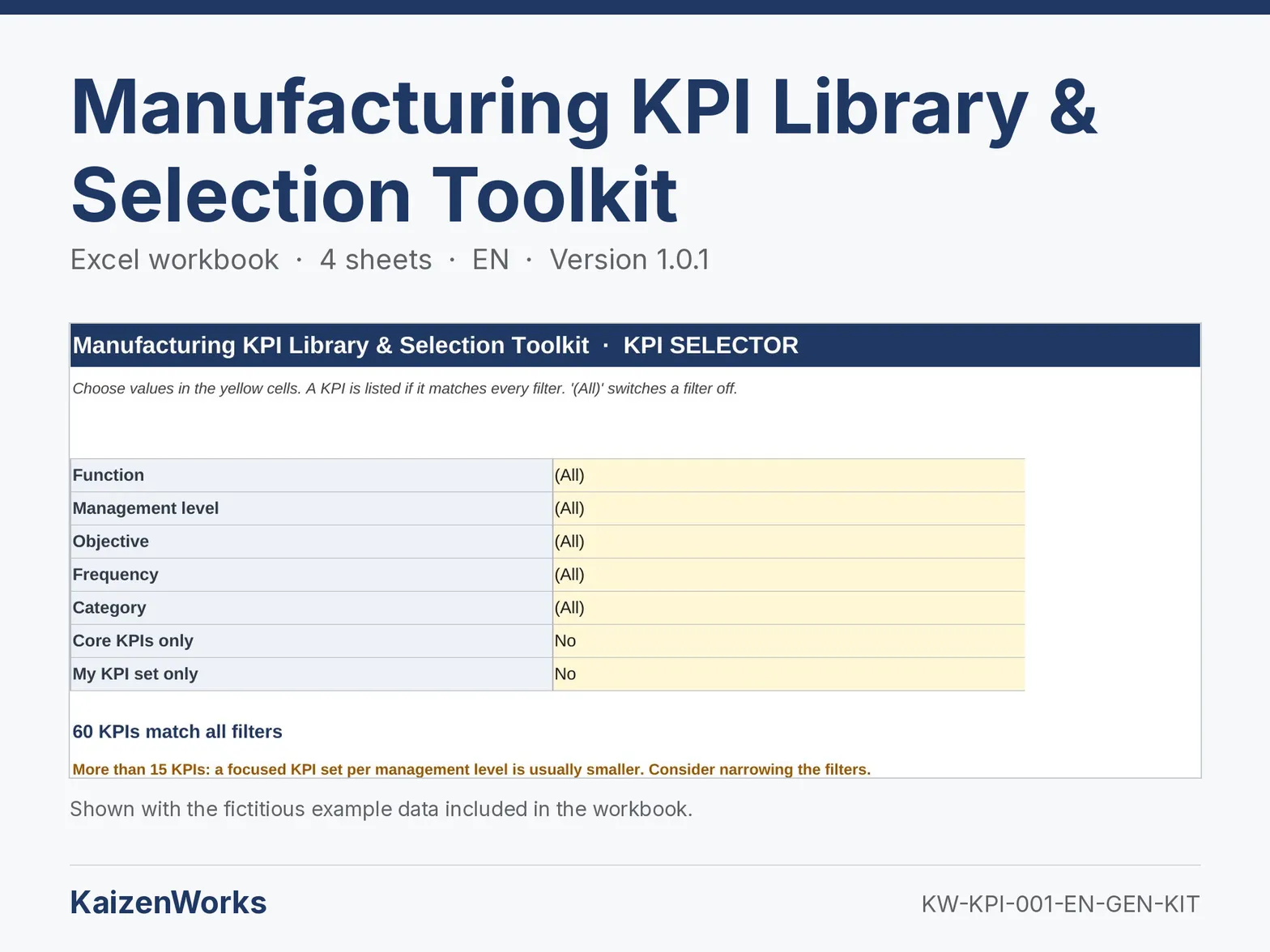
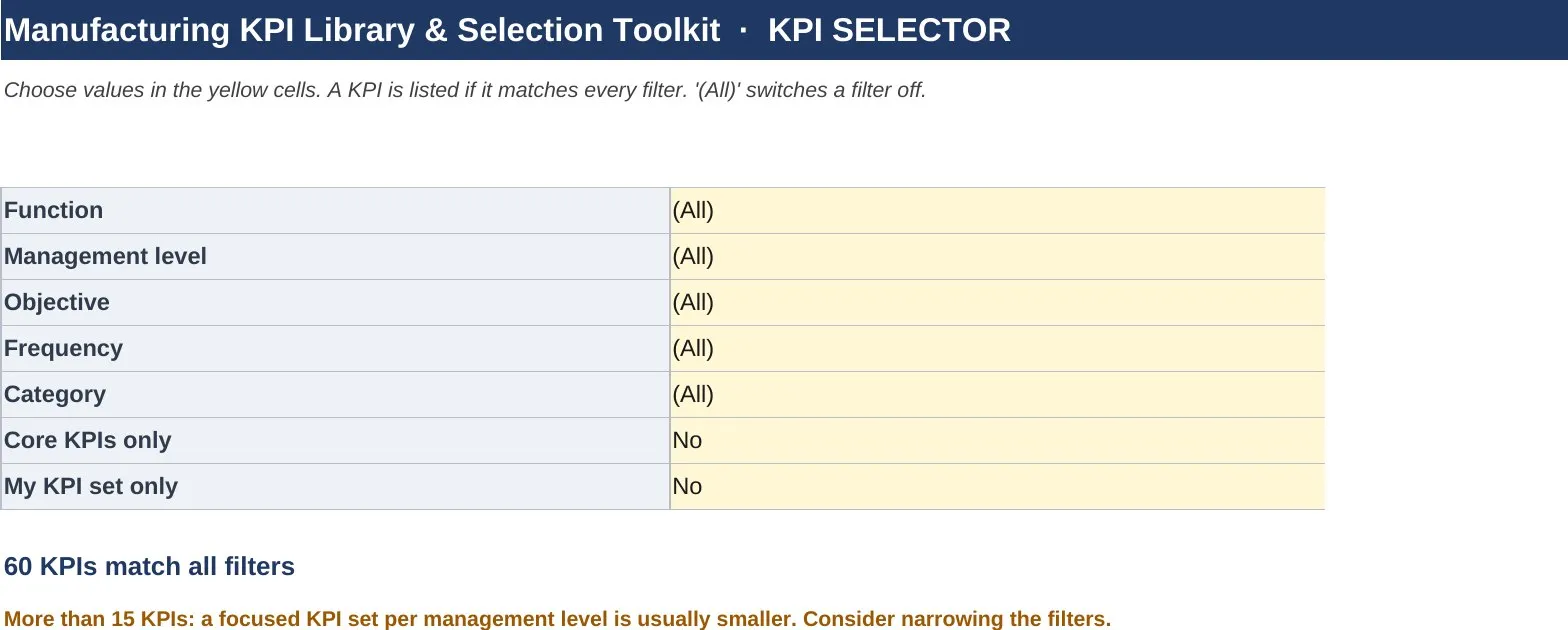
  2. Select: in KPI SELECTOR choose a function, management level, objective, frequency or category. The list shows the KPIs that match all filters.
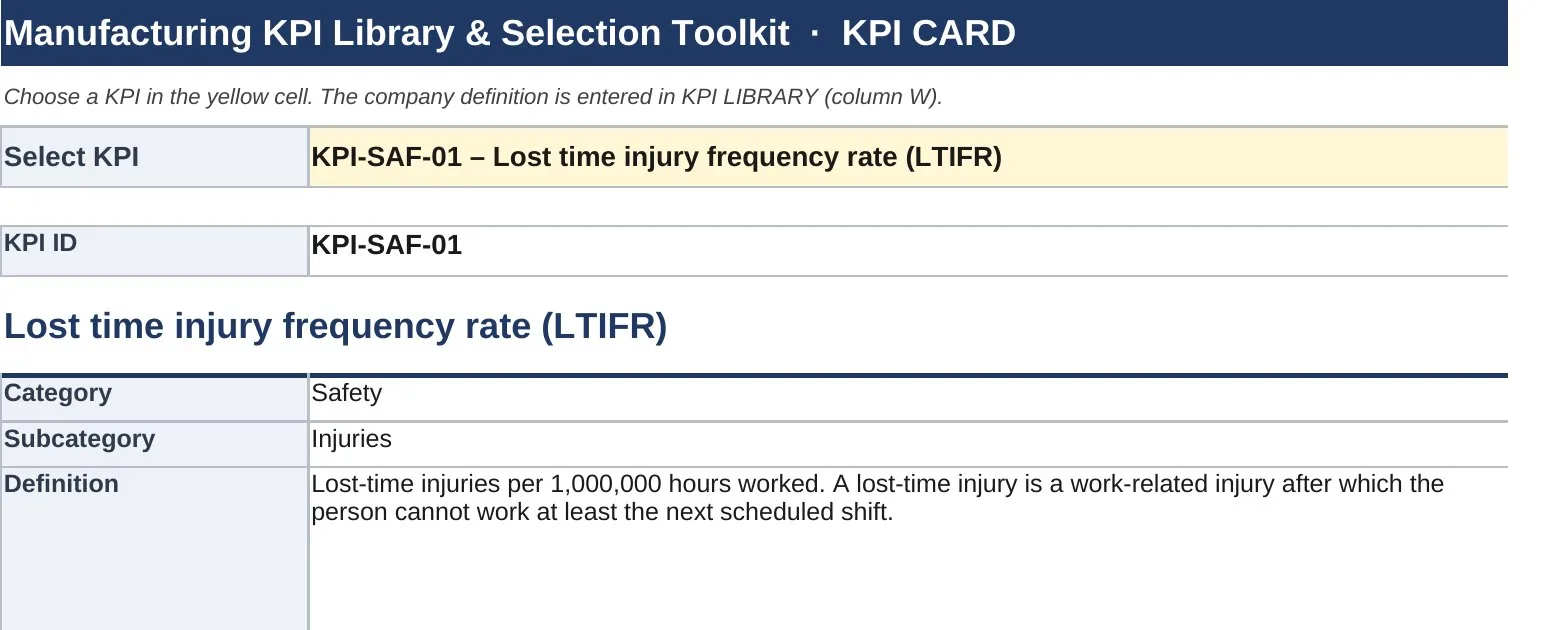
  3. Define: KPI CARD shows one KPI on one A4 page, with a quick calculator for ratio KPIs. Print it for your KPI handbook or board.
  4. Build your set: mark KPIs in the library column 'My set', then set 'My KPI set only' to 'Yes' in the selector to list and print your set.
  5. Add your own: rows OWN-01 to OWN-20 at the end of the library take company-specific KPIs. Once named, they appear in the selector and on the card.

Technical information and compatibility

Target environment: Microsoft Excel Desktop on Windows. Tested on Microsoft 365 on Windows 11. No macros and no internet connection needed. Sheets are protected without a password to prevent accidental overwriting (Review > Unprotect Sheet).

Not tested on Mac, Excel for the web or Google Sheets.

Notes on use and calculation

Categories

  • Safety – Injuries, near misses and prevention activities – 5 KPIs
  • Quality – Internal quality, customer and supplier quality, complaint handling – 8 KPIs
  • Delivery – Customer delivery, schedule attainment, lead times – 6 KPIs
  • Productivity – Equipment effectiveness (OEE family), output, labour productivity – 8 KPIs
  • Maintenance – Reliability, repair, maintenance execution and cost – 6 KPIs
  • Cost – Unit costs, budget variance, cost of losses – 6 KPIs
  • Inventory – Stock levels, turns, record accuracy, material availability – 5 KPIs
  • Lean / Continuous Improvement – Improvement activity, standards and daily management routines – 6 KPIs
  • People – Attendance, retention, skills and training – 5 KPIs
  • Sustainability – Energy, water, waste and greenhouse-gas emissions – 5 KPIs
  • Definitions follow common manufacturing practice. Where companies define a KPI differently, the Interpretation column names the variant. Record your company's definition next to each KPI.
  • No targets or benchmark values are given: targets depend on your process, product and starting point.
  • All examples use fictional numbers.
  • No standards are cited in this version. The Reference column stays empty unless a reference has been verified.

File format and delivery

Digital download (ZIP). No physical item is shipped.

Licence

One site, internal use; unlimited users at that site; no redistribution or resale.

Support

For support, please use the messaging function of the shop where you purchased this product.

Typical situations

What you can use it for

Use it to agree on what a KPI means before anyone starts measuring it – one definition, one formula, one owner.

  • A common KPI language

    Settle disputes about OEE, scrap or on-time delivery by pointing to one documented definition.

  • Choose the right KPIs

    Narrow the library by purpose to build a short list for a new area, board or project.

  • Assign ownership

    Every KPI has an owner, a frequency, a data source and an aggregation rule – gaps become visible.

  • Onboarding and audits

    Print a one-page KPI card to brief new leaders or to show how a figure is defined.

Typical outputs

  • Searchable library with uniform fields
  • Selector that narrows the list to your purpose
  • One-page printable KPI card
Manufacturing KPI Library & Selection Toolkit – KPI SELECTOR
Example of a finished view: KPI SELECTOR

How it works in practice

  1. 1EnterYour data goes into the yellow input cells.
  2. 2CalculateFormulas, charts and checks update by themselves.
  3. 3ReviewRead the result in the meeting or print it.
  4. 4ActTurn findings into actions with owner and date.

Related products

  • Microsoft Excel Desktop (Windows)English

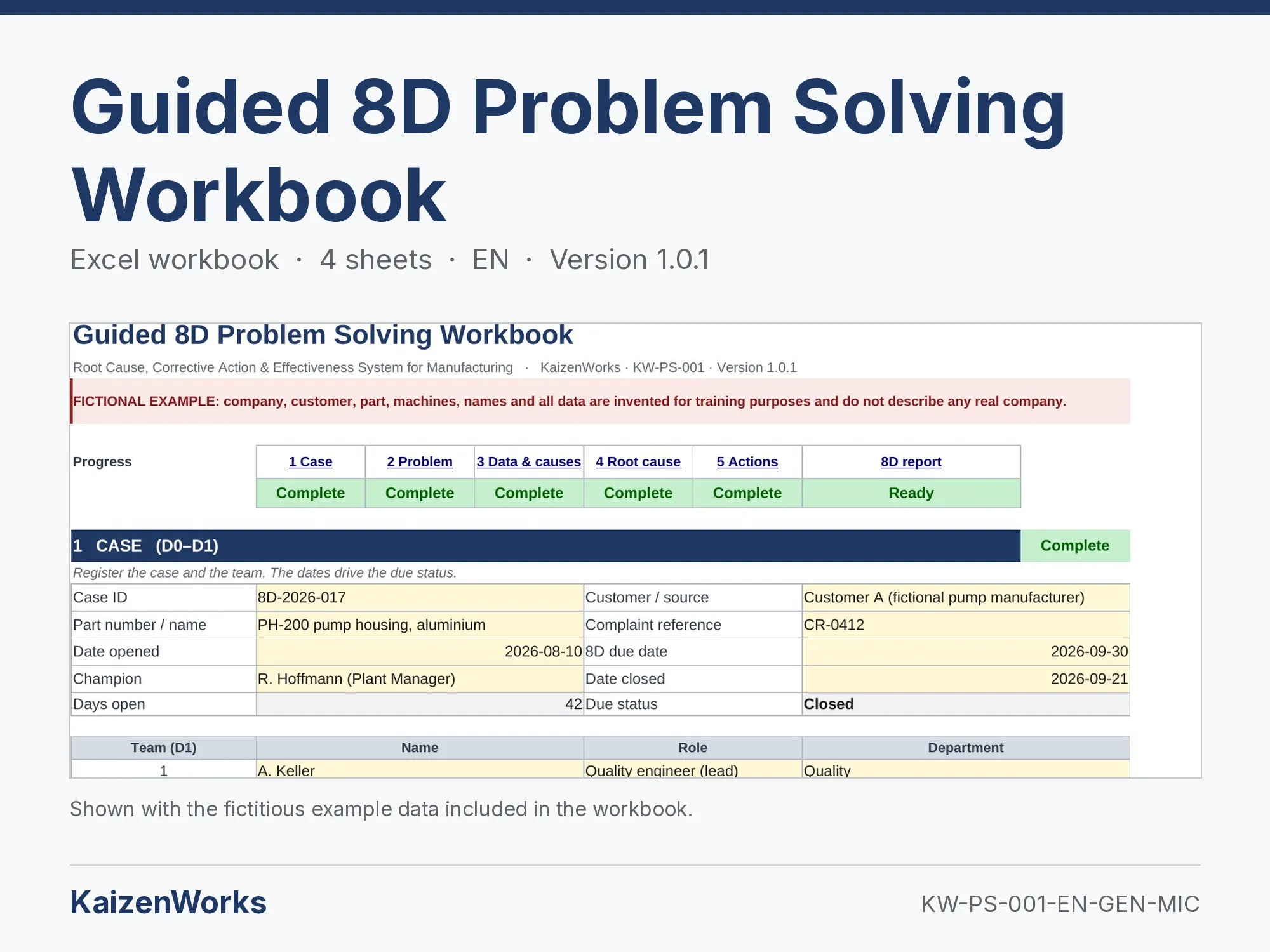
    Guided 8D Problem Solving Workbook

    Root Cause, Corrective Action & Effectiveness System for Manufacturing. It guides you through a structured 8D problem-solving case: from a factual problem definition and containment, through data, possible causes and evidence, to a verified root cause, corrective actions, an effectiveness check and a printable 8D report.

    €14.90Buy now
  • Microsoft Excel Desktop (Windows)English

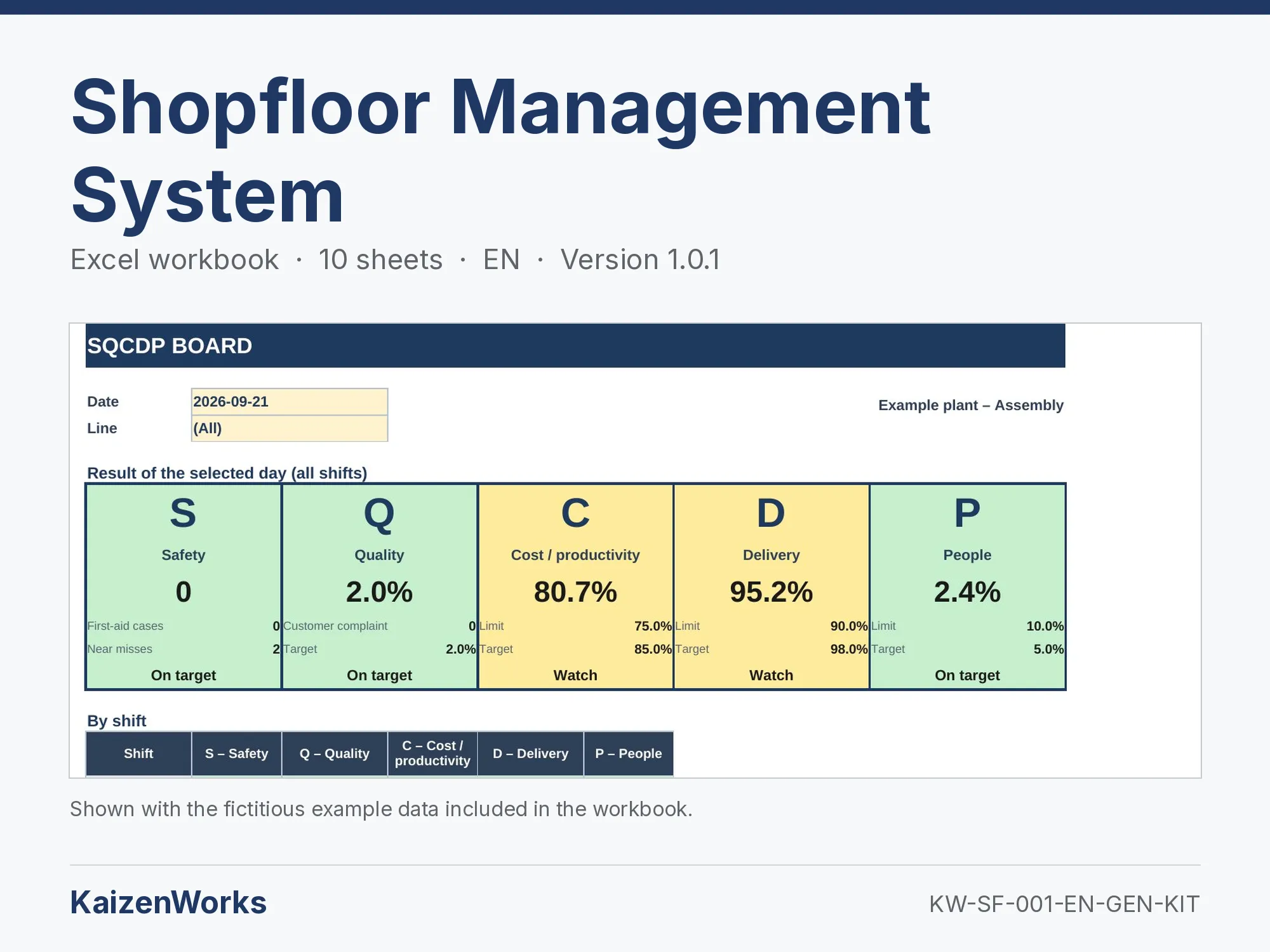
    Shopfloor Management System

    Daily SQCDP board, OEE and losses, actions and shift comparison from one daily log. A daily management system for one area or plant.

    €19.90Buy now
  • Microsoft Excel Desktop (Windows)English

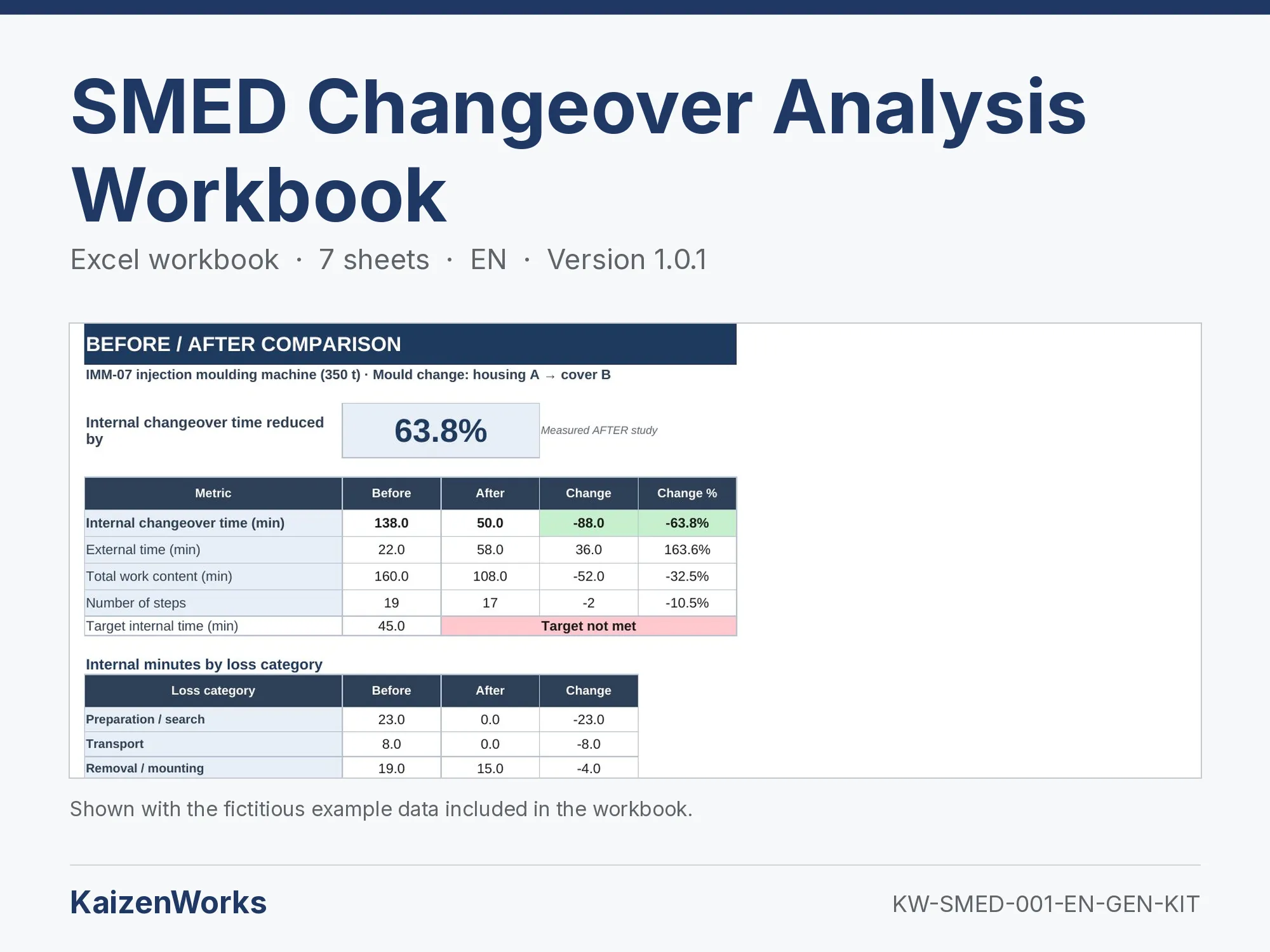
    SMED Changeover Analysis Workbook

    Record a changeover step by step, separate internal and external work, quantify the reduction potential and prove the result. A practical SMED study for one changeover.

    €19.90Buy now