QualityMicrosoft Excel Desktop (Windows)Version 1.0.1English

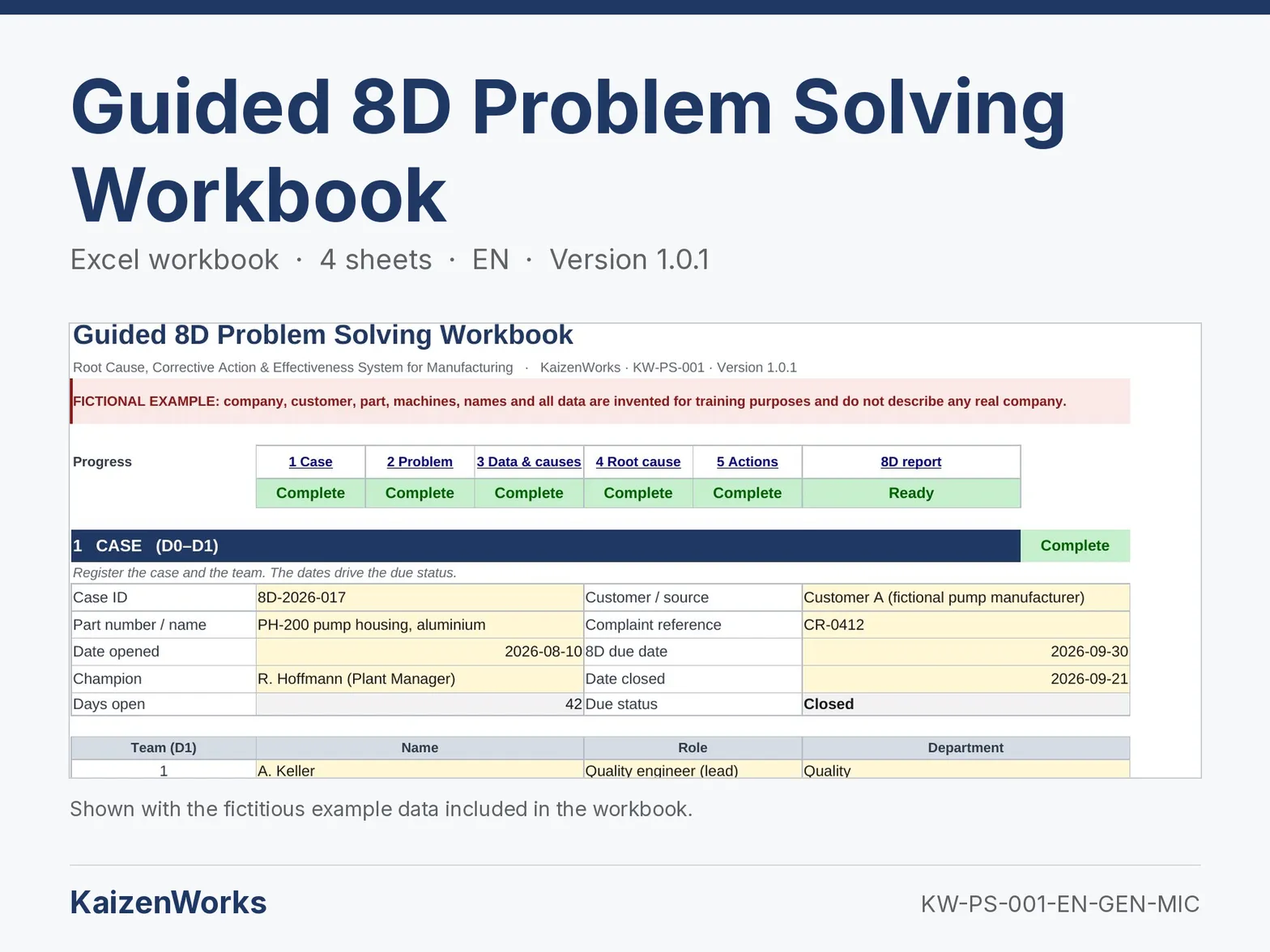
Guided 8D Problem Solving Workbook

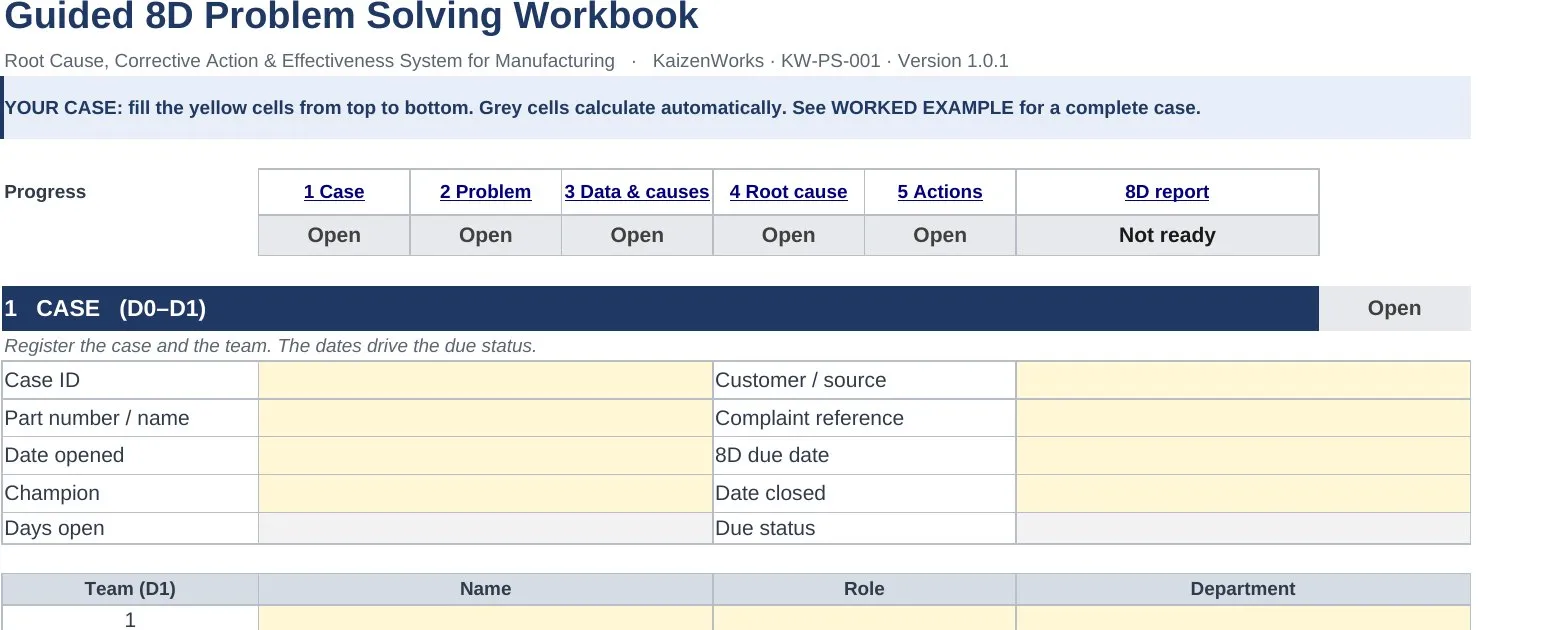
Root Cause, Corrective Action & Effectiveness System for Manufacturing. It guides you through a structured 8D problem-solving case: from a factual problem definition and containment, through data, possible causes and evidence, to a verified root cause, corrective actions, an effectiveness check and a printable 8D report.

€14.90

Buy now

Not tested on Mac, Excel for the web or Google Sheets.

You choose the workbook language on the download page after payment.

What it does

It guides you through a structured 8D problem-solving case: from a factual problem definition and containment, through data, possible causes and evidence, to a verified root cause, corrective actions, an effectiveness check and a printable 8D report. The workbook guides the reasoning; it is not a set of empty forms.

Key features

  • Sheets: START, WORKED EXAMPLE, TEMPLATE, 8D REPORT
  • Capacities: 5 team members · 5 containment locations · 8 defect categories · 4 groups · 8 possible causes · 4 verification rows · 2 × 5 Why levels · 6 actions

What's included

1 Excel workbook (KW-PS-001-EN-GEN-MIC_Guided-8D-Problem-Solving-Workbook_v1.0.1.xlsx, English) and 3 text files (LICENSE_EN.txt, CHANGELOG_EN.txt, SUPPORT_EN.txt) in one folder.

  • KW-PS-001-EN-GEN-MIC_Guided-8D-Problem-Solving-Workbook_v1.0.1.xlsx
  • LICENSE_EN.txt
  • CHANGELOG_EN.txt
  • SUPPORT_EN.txt

How it works

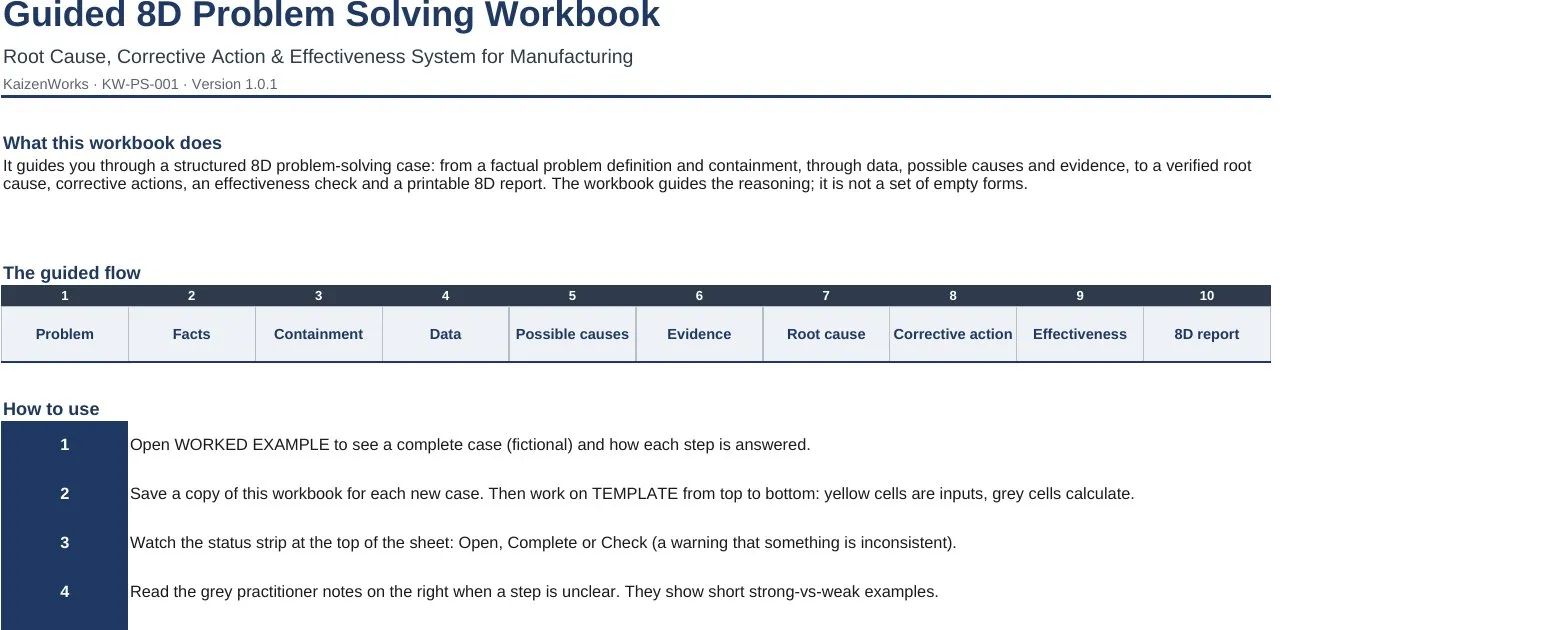
  1. Open WORKED EXAMPLE to see a complete case (fictional) and how each step is answered.
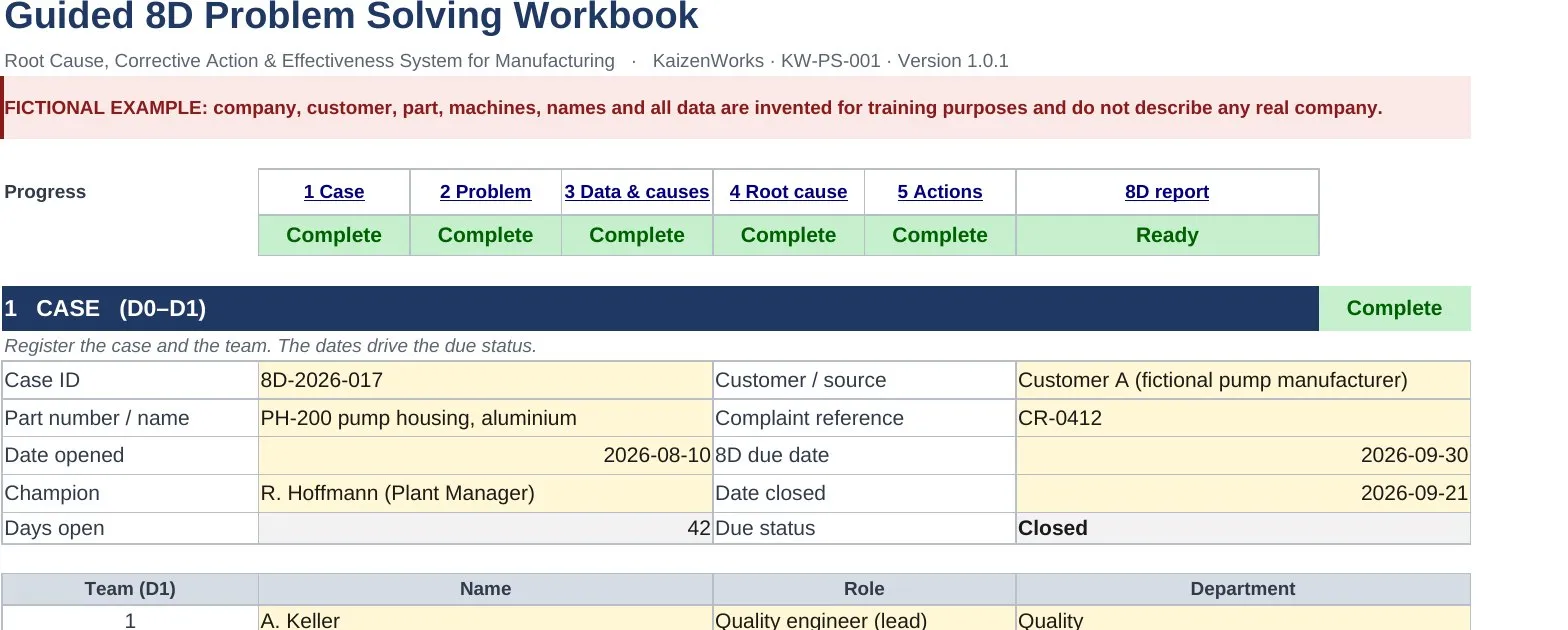
  2. Save a copy of this workbook for each new case. Then work on TEMPLATE from top to bottom: yellow cells are inputs, grey cells calculate.
  3. Watch the status strip at the top of the sheet: Open, Complete or Check (a warning that something is inconsistent).
  4. Read the grey practitioner notes on the right when a step is unclear. They show short strong-vs-weak examples.
  5. Open 8D REPORT, choose "My case" in cell C1 and print (A4 portrait, 2 pages).

Technical information and compatibility

Target environment: Microsoft Excel Desktop on Windows. No macros, no internet connection needed. Sheets are protected without a password to prevent accidental overwriting of formulas (Review > Unprotect Sheet).

Not tested on Mac, Excel for the web or Google Sheets.

Capacities: 5 team members · 5 containment locations · 8 defect categories · 4 groups · 8 possible causes · 4 verification rows · 2 × 5 Why levels · 6 actions

Notes on use and calculation

This workbook is a practical problem-solving aid. It follows common 8D practice but may need adaptation to your customer's own 8D format or to supplier-specific requirements. Customer-specific instructions always take precedence.

The worked example is fictional: company, customer, part, machines, names and all data are invented.

File format and delivery

Digital download (ZIP). No physical item is shipped.

Licence

One site, internal use; unlimited users at that site; no redistribution or resale.

Support

For support, please use the messaging function of the shop where you purchased this product.

Typical situations

What you can use it for

Use it when a customer complaint, an internal failure or a repeat defect needs a traceable, evidence-based 8D.

  • Customer complaint response

    Work through problem definition, containment and root cause step by step and finish with a printable 8D report.

  • Data-driven cause finding

    Put the defect data into a Pareto and focus on the groups that matter before listing causes.

  • Effectiveness check

    Verify that the corrective action worked – not only that it was done.

  • Team training

    Use the worked example to teach new engineers the logic of an 8D.

Typical outputs

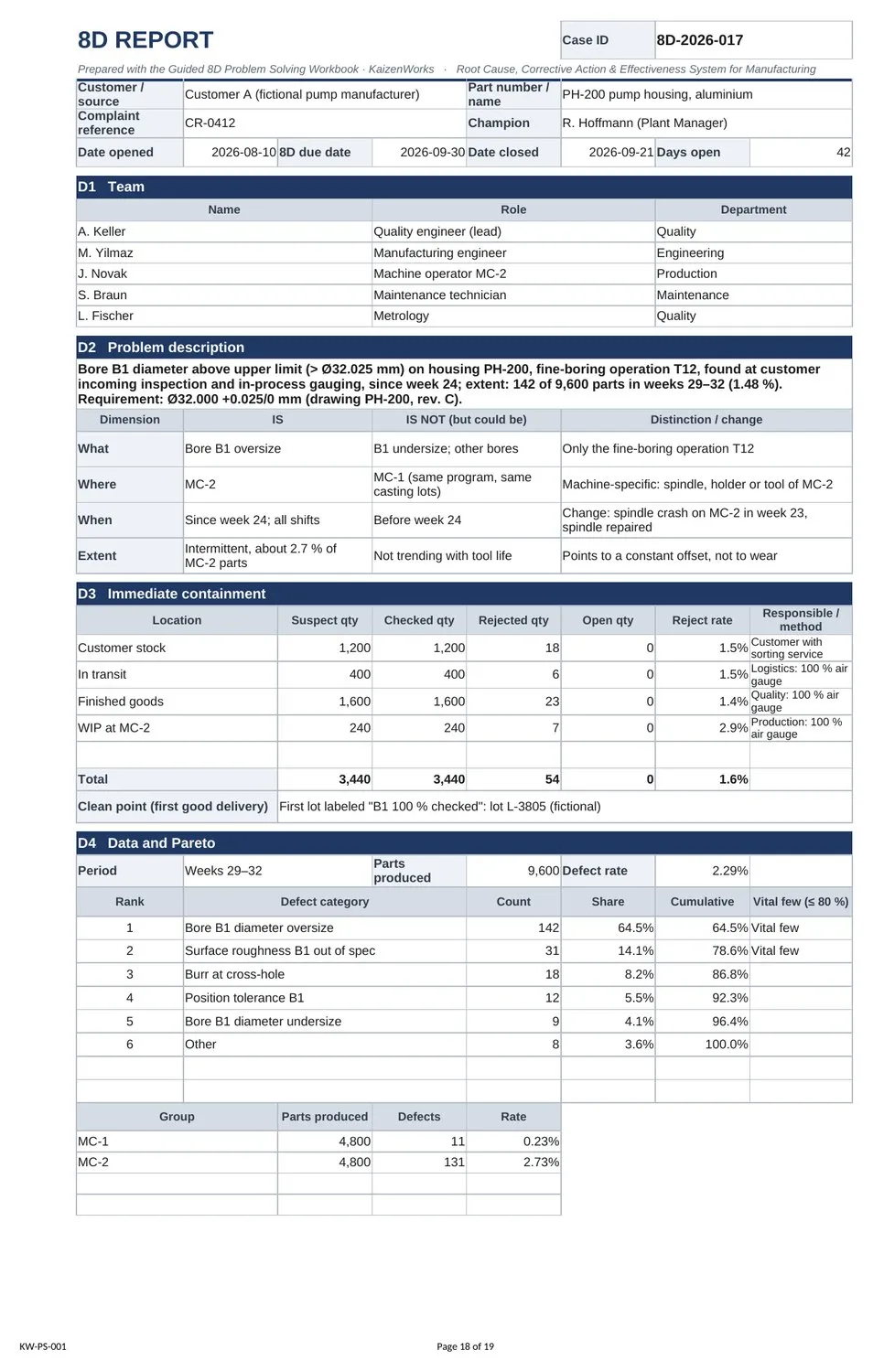
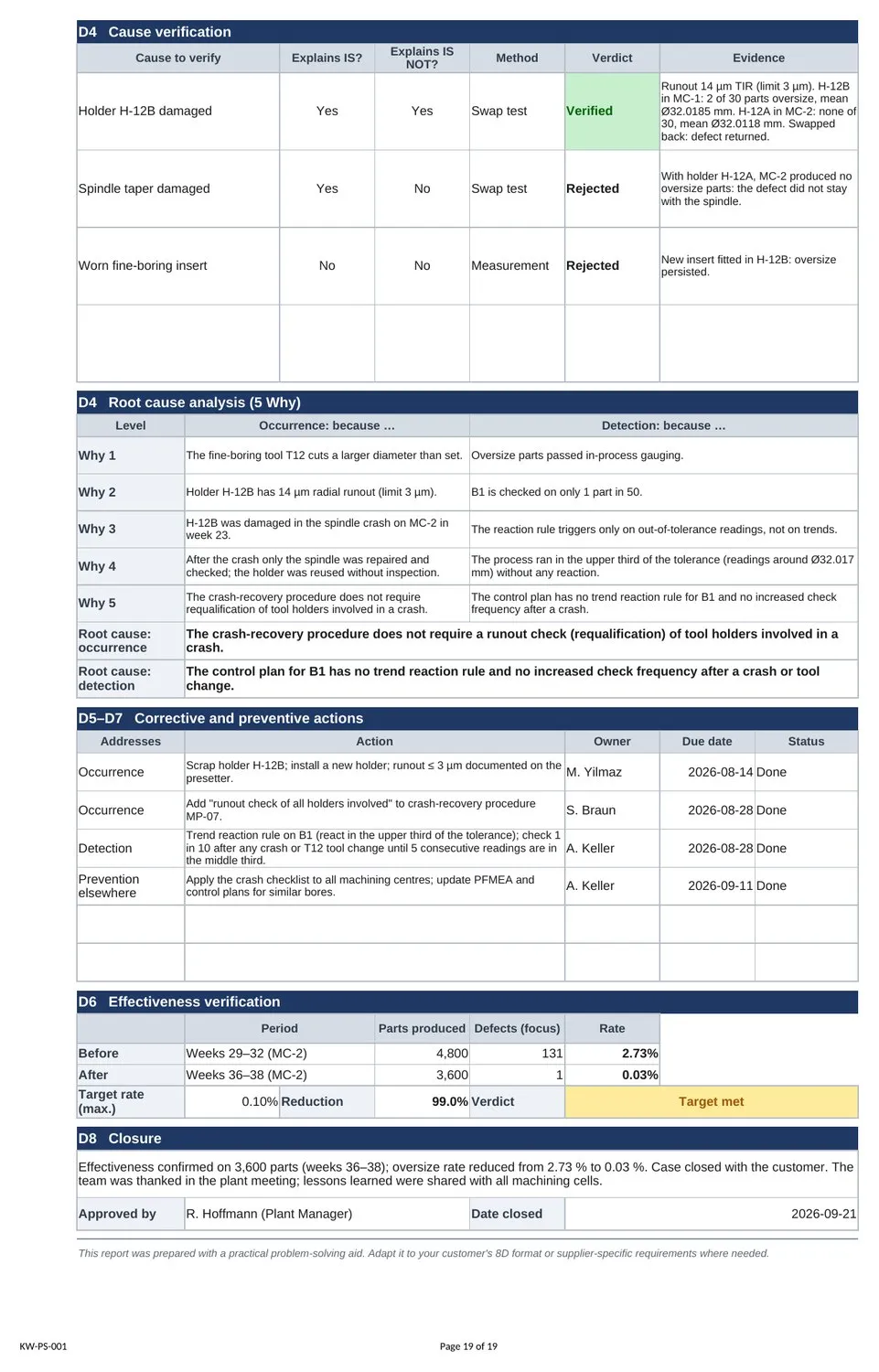
  • Printable 8D report
  • Pareto of defects and focus group
  • 5 Why for occurrence and for detection
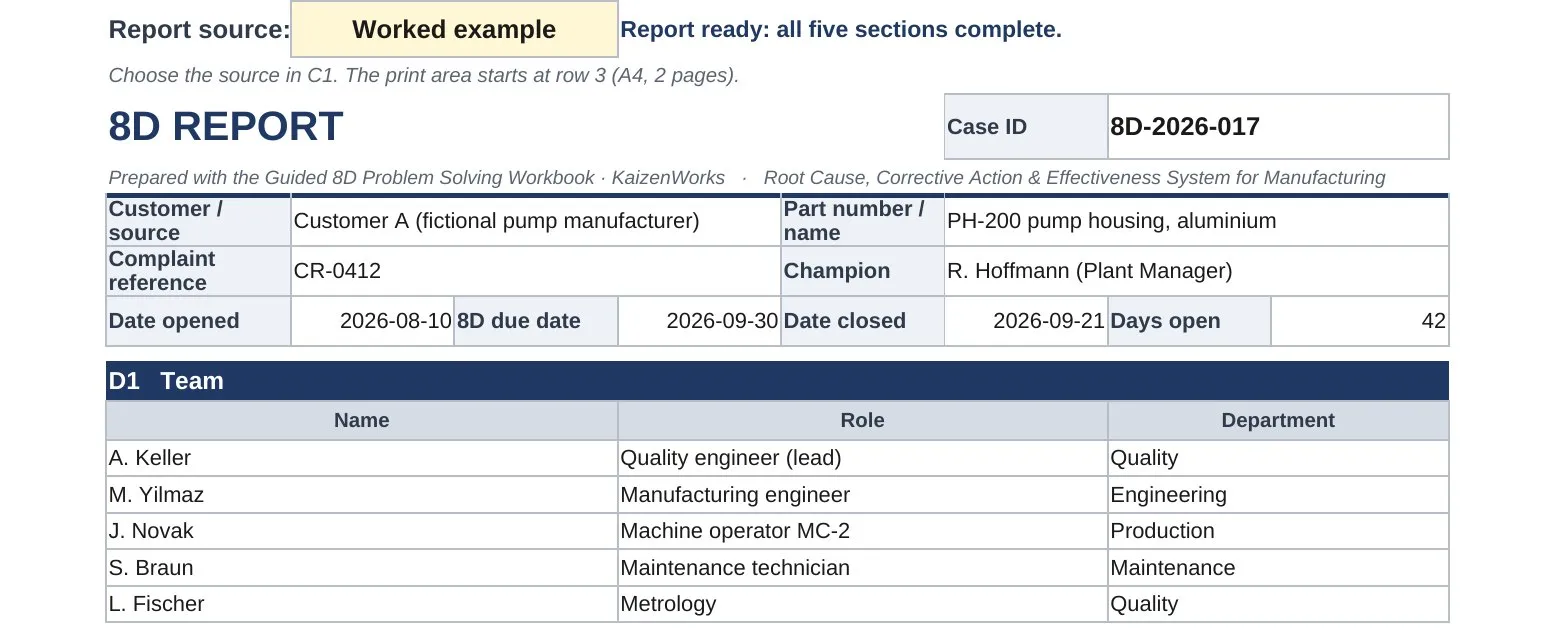
Guided 8D Problem Solving Workbook – 8D REPORT
Example of a finished view: 8D REPORT

How it works in practice

  1. 1EnterYour data goes into the yellow input cells.
  2. 2CalculateFormulas, charts and checks update by themselves.
  3. 3ReviewRead the result in the meeting or print it.
  4. 4ActTurn findings into actions with owner and date.

Related products

  • Microsoft Excel Desktop (Windows)English

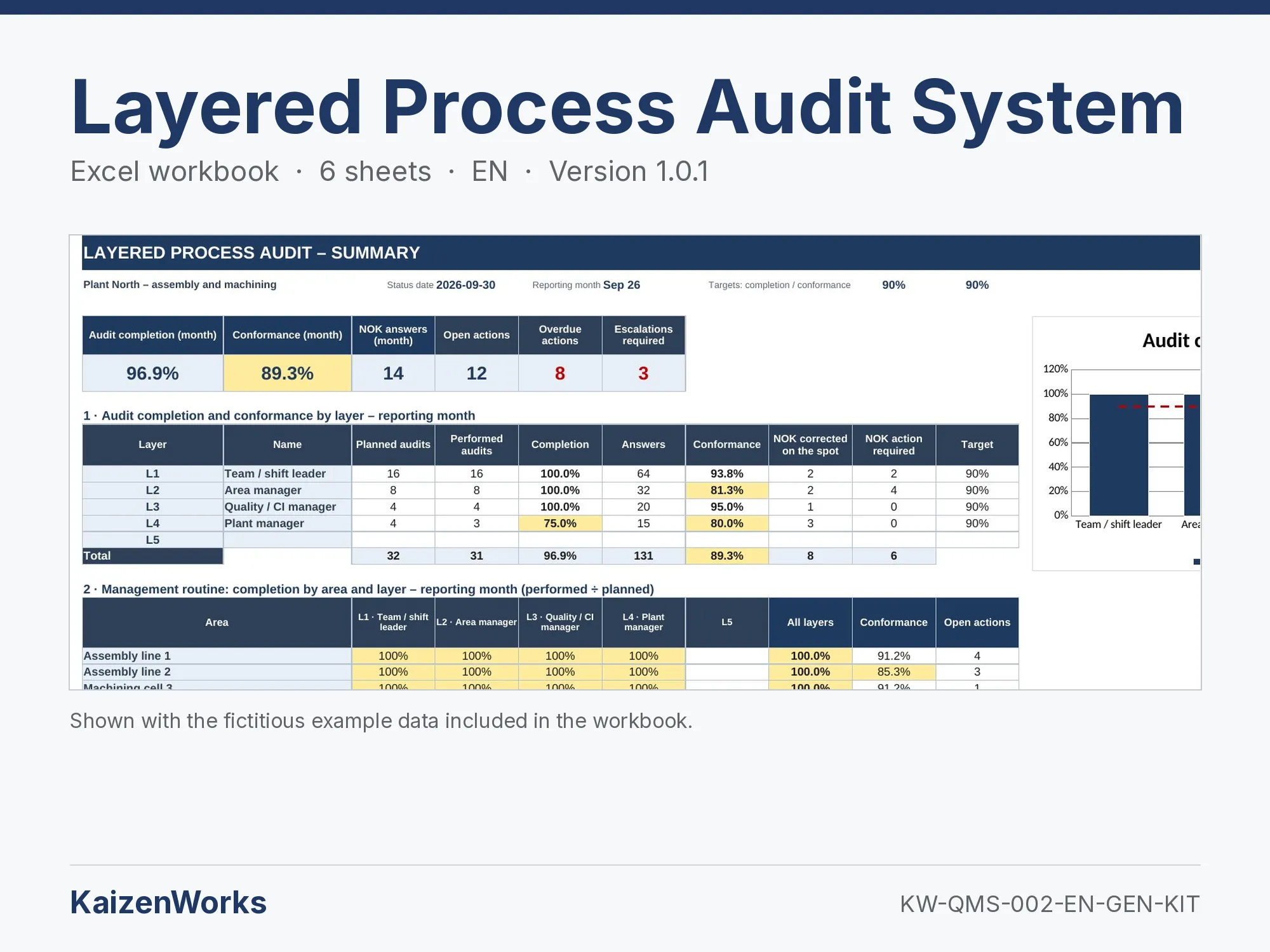
    Layered Process Audit System

    Short, frequent audits of the process and the management routine, done by every management layer – with audit completion per layer, conformance, repeat findings, actions and escalation in one workbook. In a layered process audit (LPA) several management layers – for example team leader, area manager, quality or CI manager and plant manager – audit the same shop floor with short question sets at different frequencies.

    €14.90Buy now
  • Microsoft Excel Desktop (Windows)English

    Shopfloor Management System

    Daily SQCDP board, OEE and losses, actions and shift comparison from one daily log. A daily management system for one area or plant.

    €19.90Buy now